Why We Track Your Weight
Your Body Pro 2 smart scale gives your care team a clear, consistent record of your weight over time. A single reading matters far less than the trend across weeks and months, which is why the scale is designed to send every measurement automatically, without any extra steps on your part. Pairing your weight trend with your waist and body circumference measurements gives your care team the fullest picture of your progress.
Setting Up Your Scale
Your scale arrives already connected to your Onsera program. There is no account to create, no Bluetooth pairing, no Wi-Fi connection, and no app required.
- Remove the scale from the box and set it on a hard, flat surface (not carpet).
- Pull the plastic battery tab from the bottom of the scale.
- The screen will display setup messages while it connects to the cellular network. This may take a few minutes.
- Once the screen indicates it’s ready, you’re all set.
Taking Your First Weigh-In
For the most accurate measurement:
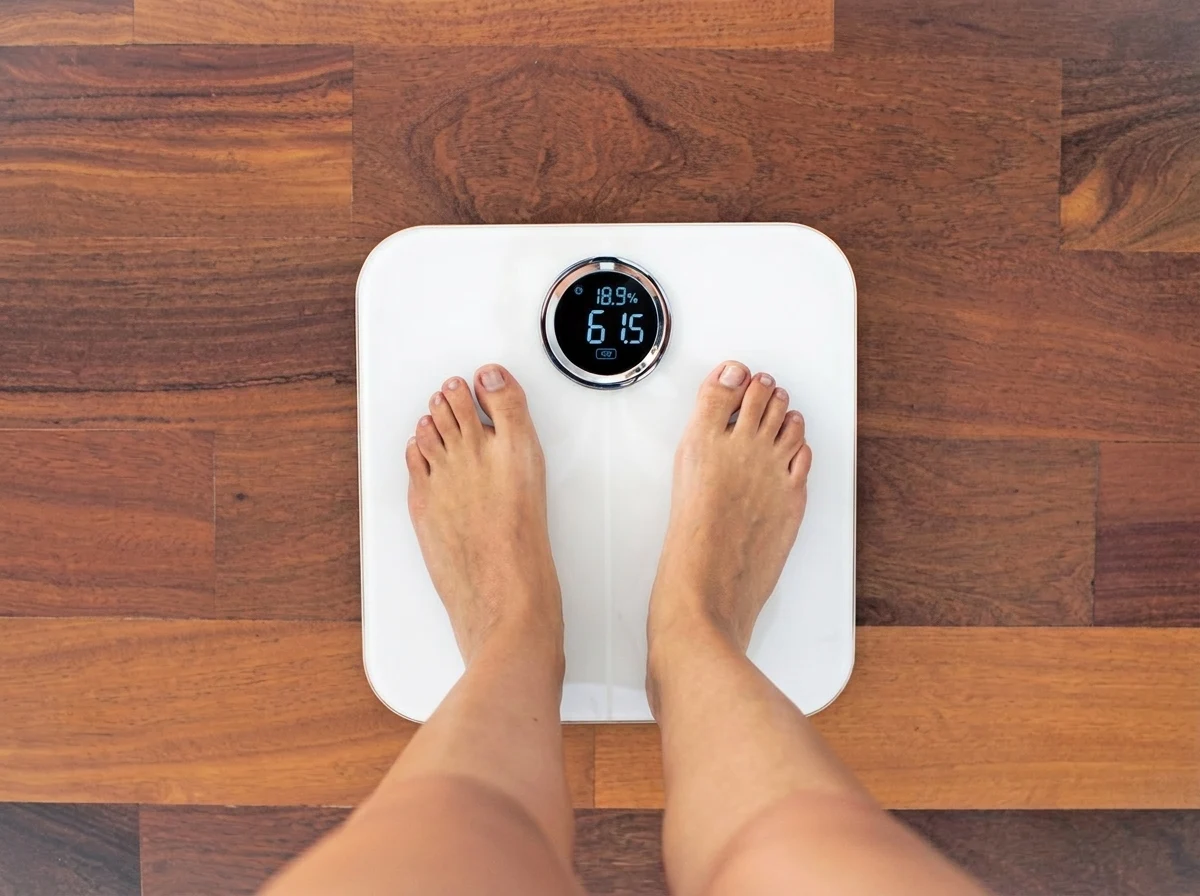
- Step onto the scale barefoot.
- Wear light clothing.
- Stand still until the measurement finishes.
- If arrows appear on the screen, gently shift your weight in the direction indicated.
- When complete, your name will appear on the display and your results will automatically be sent to your Onsera care team.
Troubleshooting
Your scale is built to work automatically, but if a reading doesn’t seem to go through, try the following before contacting your care team:
- Confirm the plastic tab under the battery cover has been fully removed.
- Make sure the scale is on a hard, flat surface rather than carpet or a rug, and wait about 10 seconds after setting it down or moving it before stepping on.
- If the screen is blank or won’t turn on, move the scale closer to a window or an upper floor, since a weak cellular signal in that spot can prevent readings from sending.
- Step on the scale again, or press the button on the bottom of the scale, to restart the connection process.
- If the issue continues after trying these steps, contact the Onsera Care Team through your participant support resources and we’ll be happy to help.
How Often to Use Your Scale
Recommended weigh-in frequency
- At minimum, weigh in once a month so your care team can track your progress.
- We recommend weighing in more often than that, such as daily or a few times a week, since more frequent readings make it easier to see your overall trend rather than any single number.
- Weigh yourself at approximately the same time each day, such as first thing in the morning, for the most consistent results.
Understanding Normal Day-to-Day Variation
It’s normal for your weight to move up or down by a few pounds from one day to the next, even when your overall trend is improving. Food and fluid intake, sodium, hormonal changes, and digestion can all shift the number on the scale by roughly two to five pounds in either direction without reflecting any real change in fat or muscle.
What to focus on
- Focus on the trend over several weeks rather than any single weigh-in.
- Your waist and body circumference measurements are another helpful way to confirm progress between weigh-ins.
This sheet is for general education and does not replace guidance from your Onsera care team. Questions? Message your care team through the Onsera app.